

Where is the magnetometer?
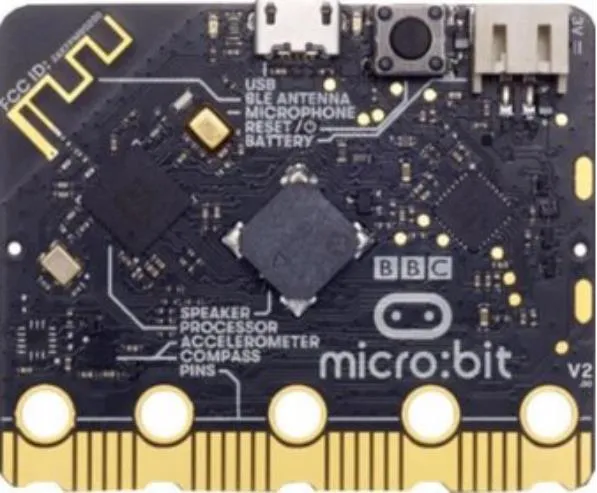
This experiment works as a gentle introduction into MicroData and magnetism. The next two experiments build on these concepts further.
The micro:bit has lots of components on the back of it, but which one is the magnetometer?
In this experiment we will try to locate the magnetometer using a magnet and the real-time data viewer.
Where is the magnetometer?
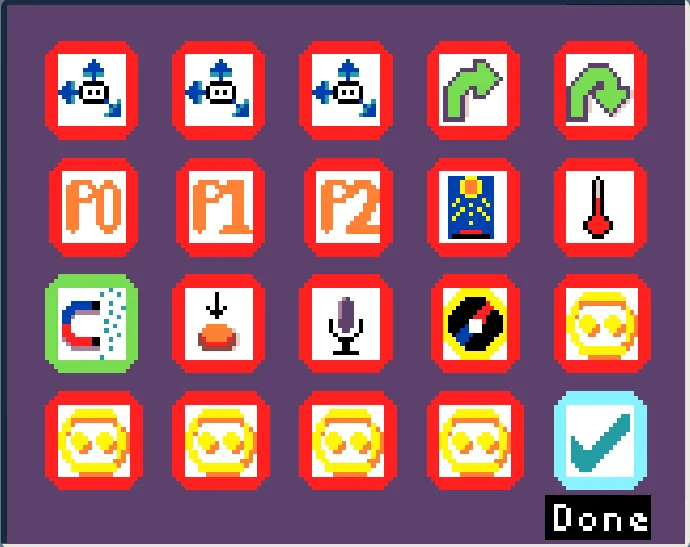
Select Real-time data

Select the magnetometer
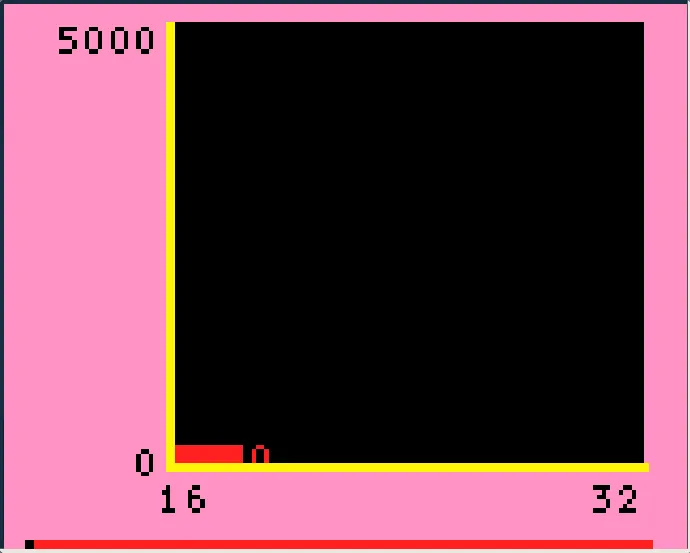
Visualise magnetic field strength
Move the magnet around the back of the micro:bit and find where it is strongest.
Be careful to ensure that the magnets don’t touch the micro:bits directly!
The magnetometer sensor lives together with the accelerometer. Look at the back of the micro:bit again to see where the accelerometer is.
Micro:bit components
One area that has a significant spike in magnetic field reading, but isn’t the magnetometer is the speaker. Why might a speaker interacting with a magnet cause the magnetometer to have significant readings?