

1: Open the MakeCode editor
Example app development setup
This section will guide you through setting up your development environment and getting started with programming your own micro:bit app.
MakeCode setup
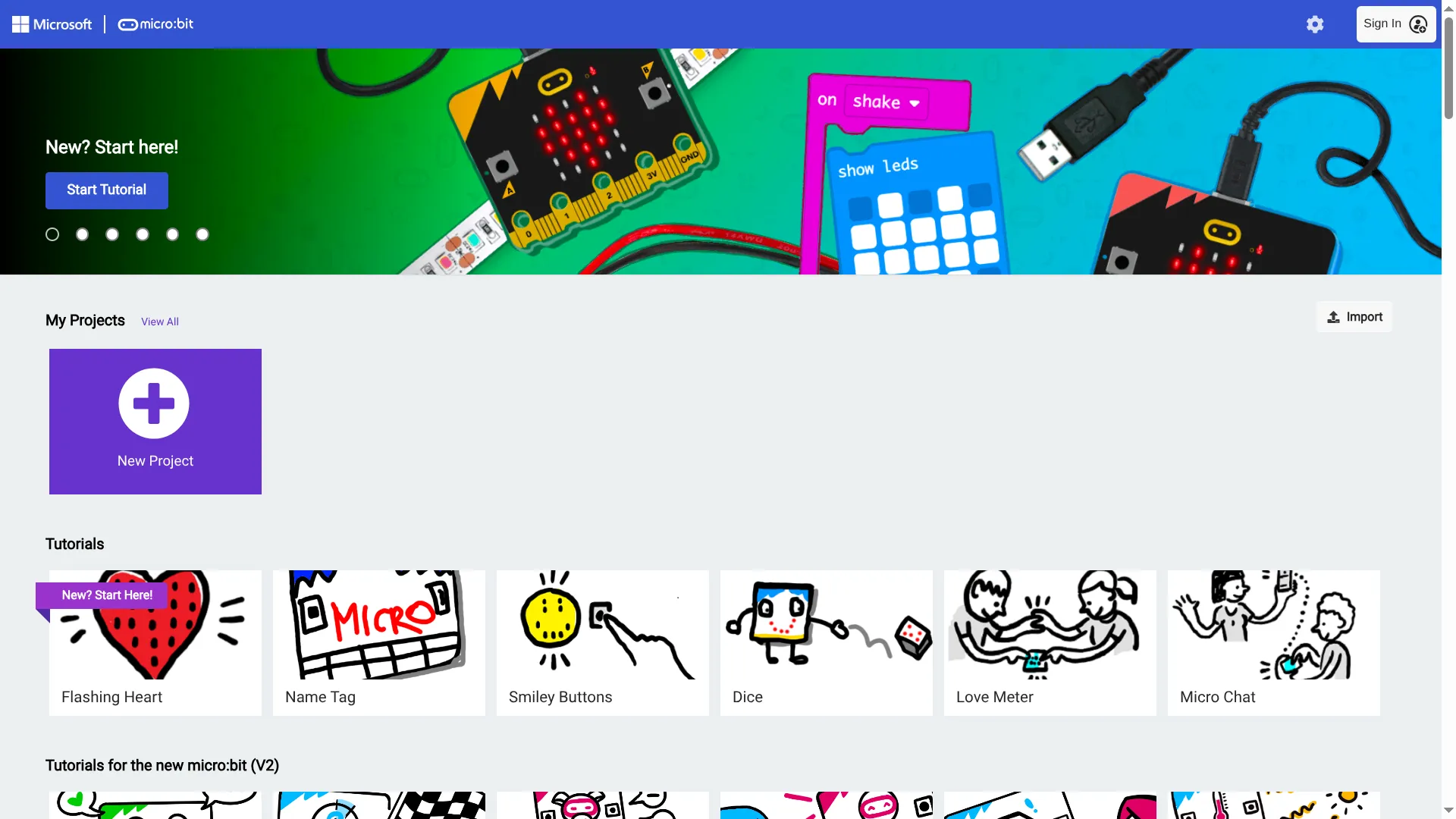
2: Click 'Import' on the middle-right of the screen
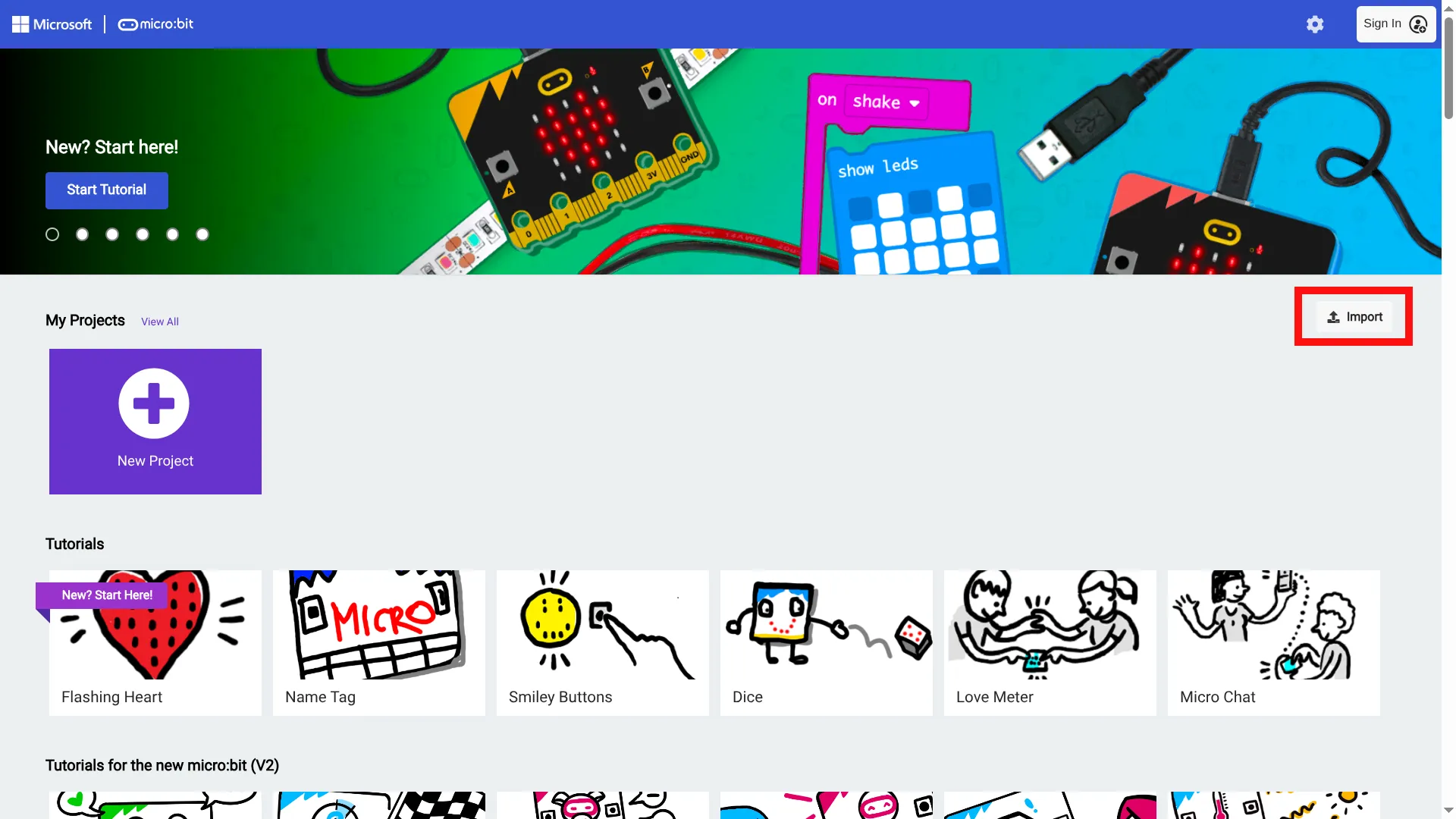
3: Click 'Import URL...'
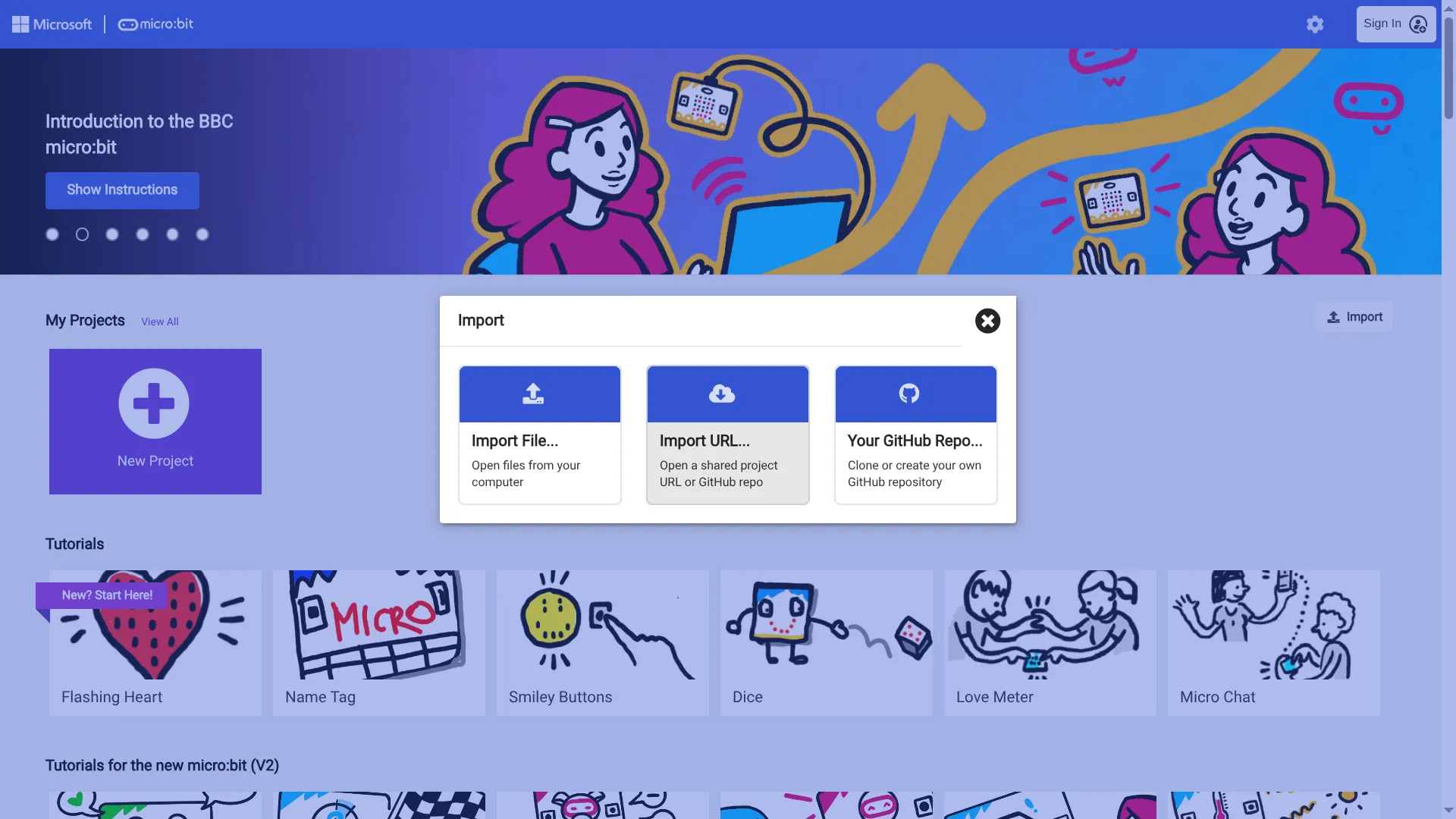
4: Import the example app
Paste https://github.com/microbit-apps/example or your own fork of it
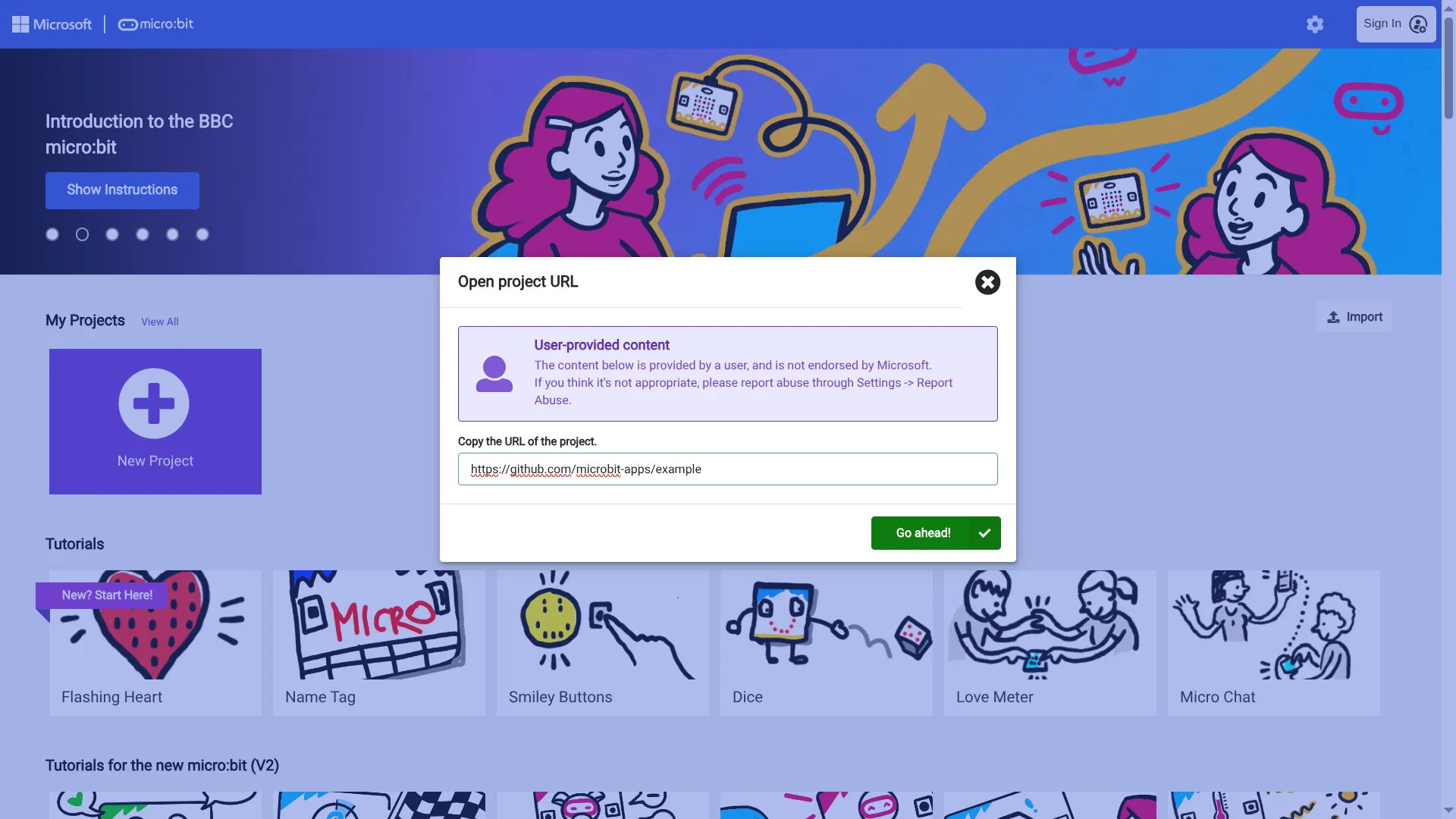
5: Start programming your app!
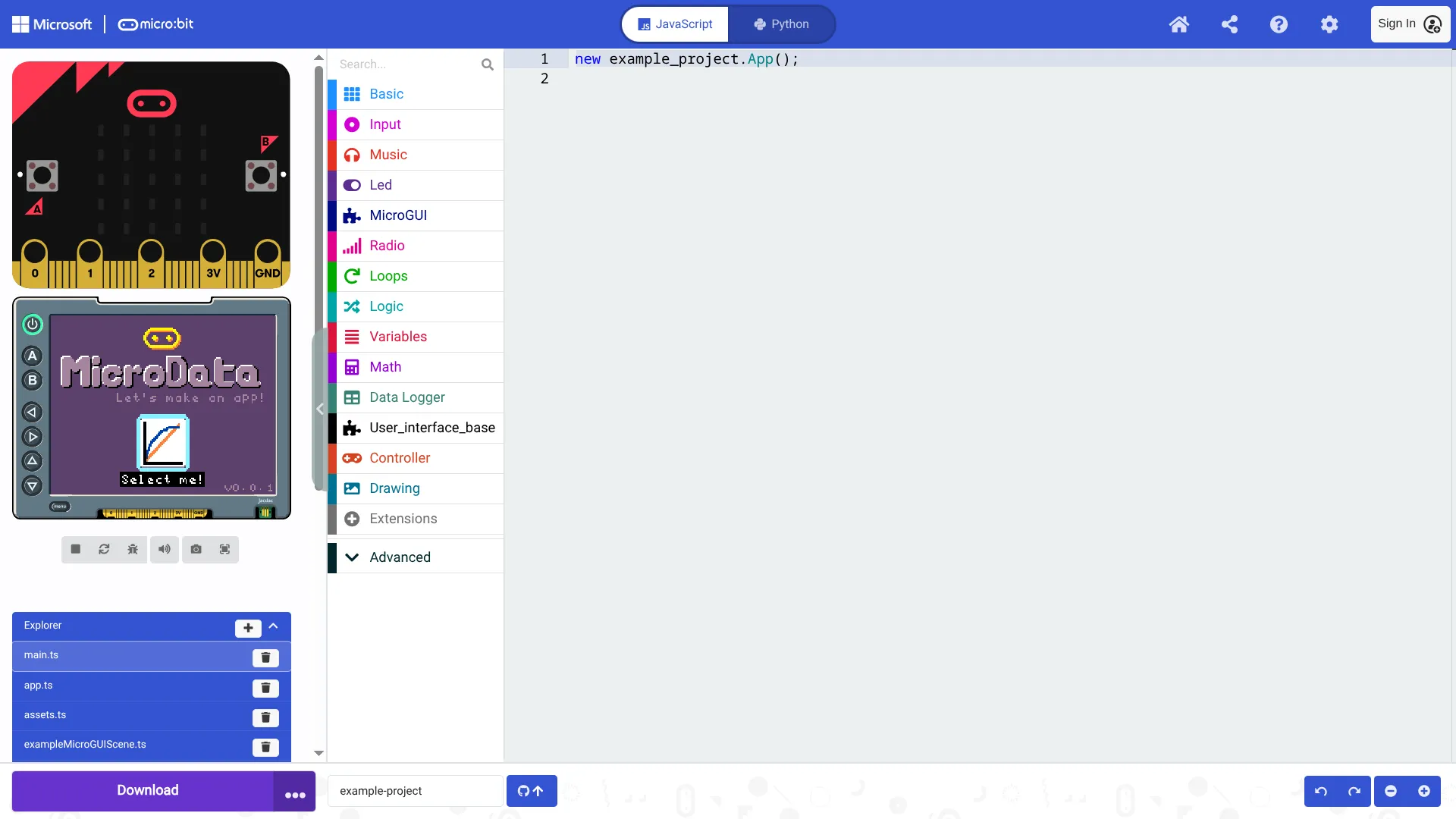
6: Click file names on the bottom-left
app.ts is a good starting point. On line 24 it pushes the home scene (see home.ts) onto the scene stack.
This scene is what you see on the screen.
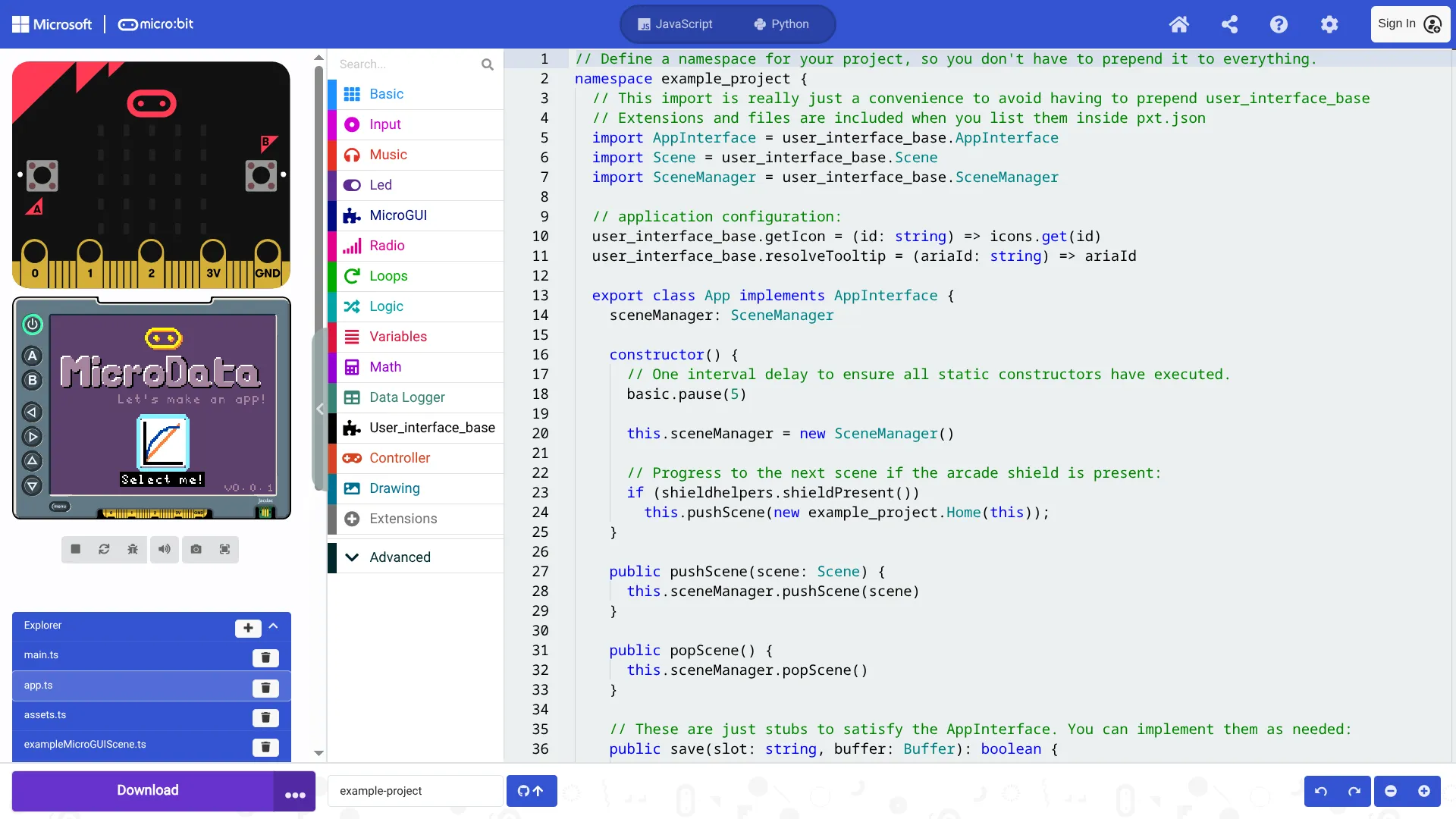
7: Click pxt.json, then 'Edit settings As text' to view dependencies
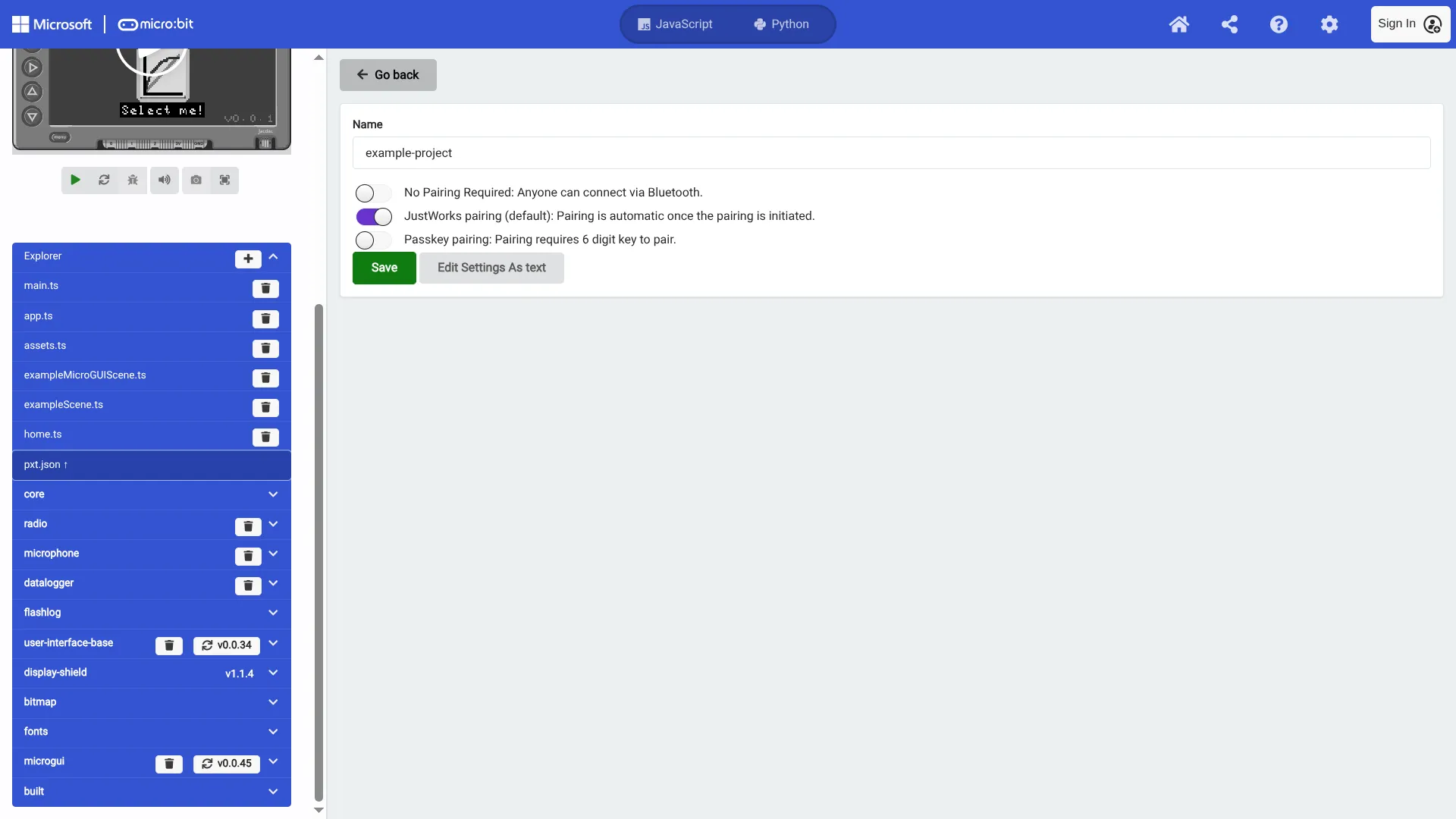
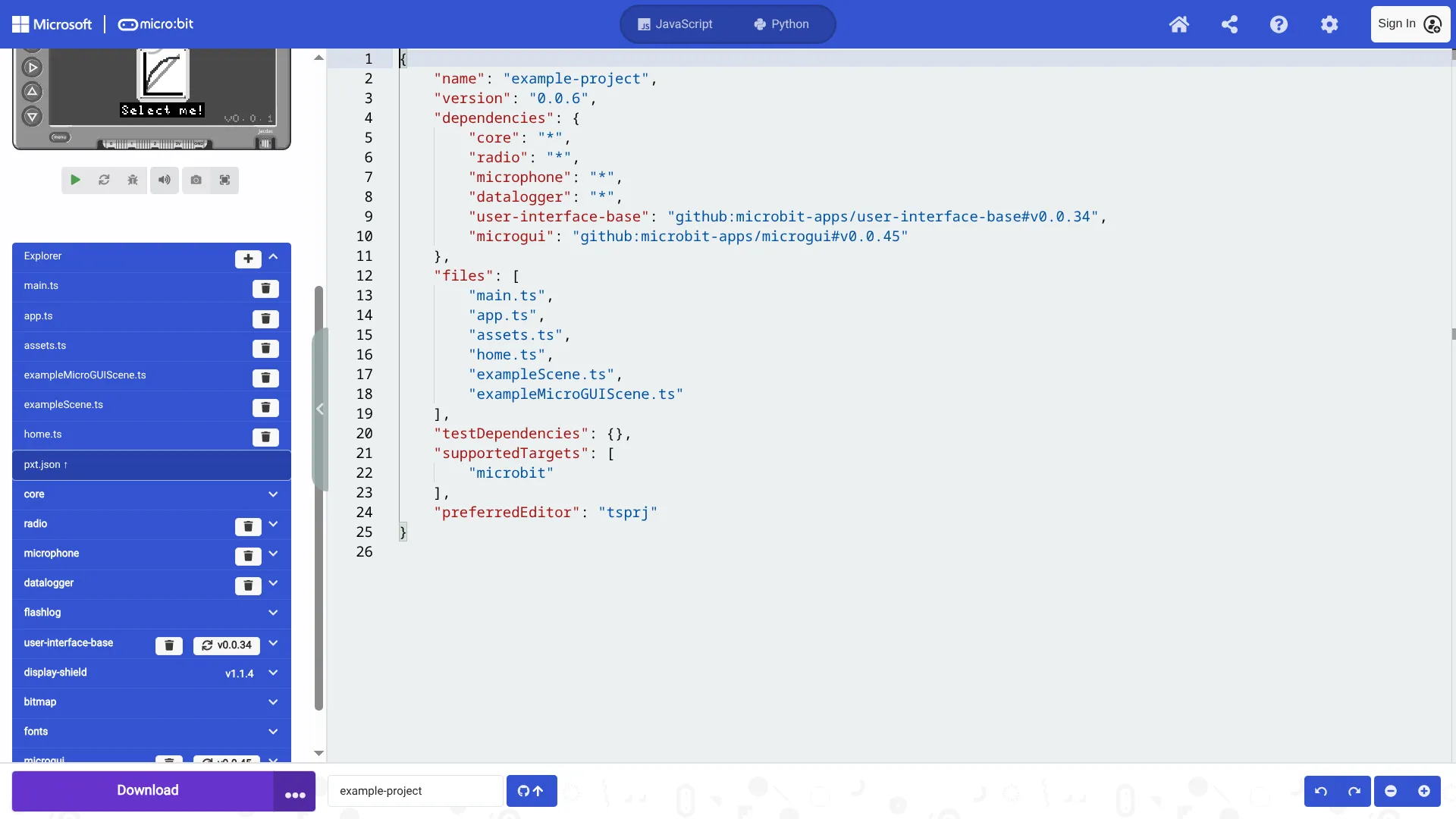
8: Managing dependencies and files
If you create a new file or want to add an extension you do so here.
Github integration
MakeCode has built in github integration, allowing you to easily share your work and collaborate with others. MakeCode saves your work as a project, so this isn’t required for initial development and experimentation.
We recommend using this feature if you’ve forked github.com/microbit-apps/example though
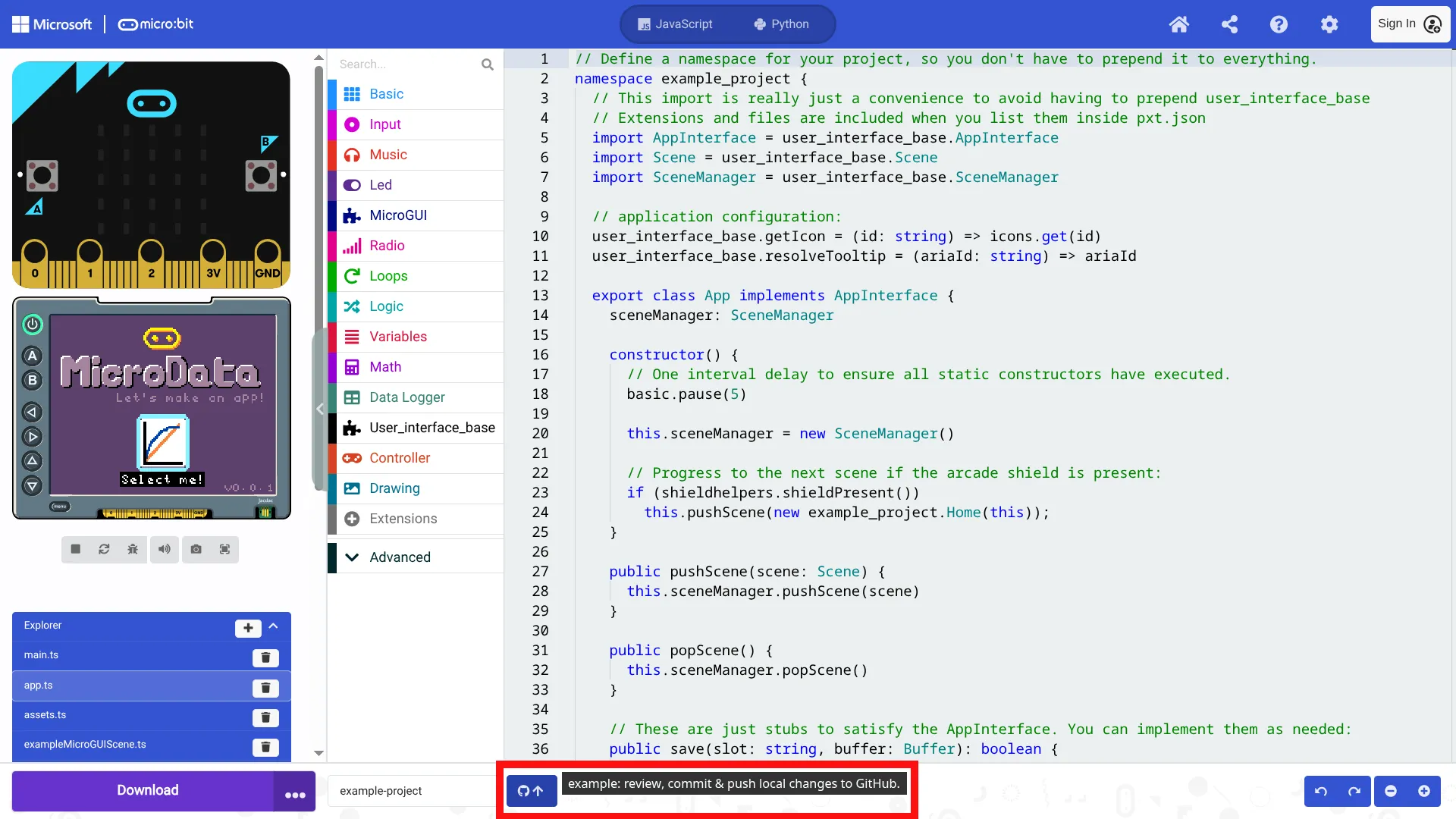
Press the Github button in the middle-bottom
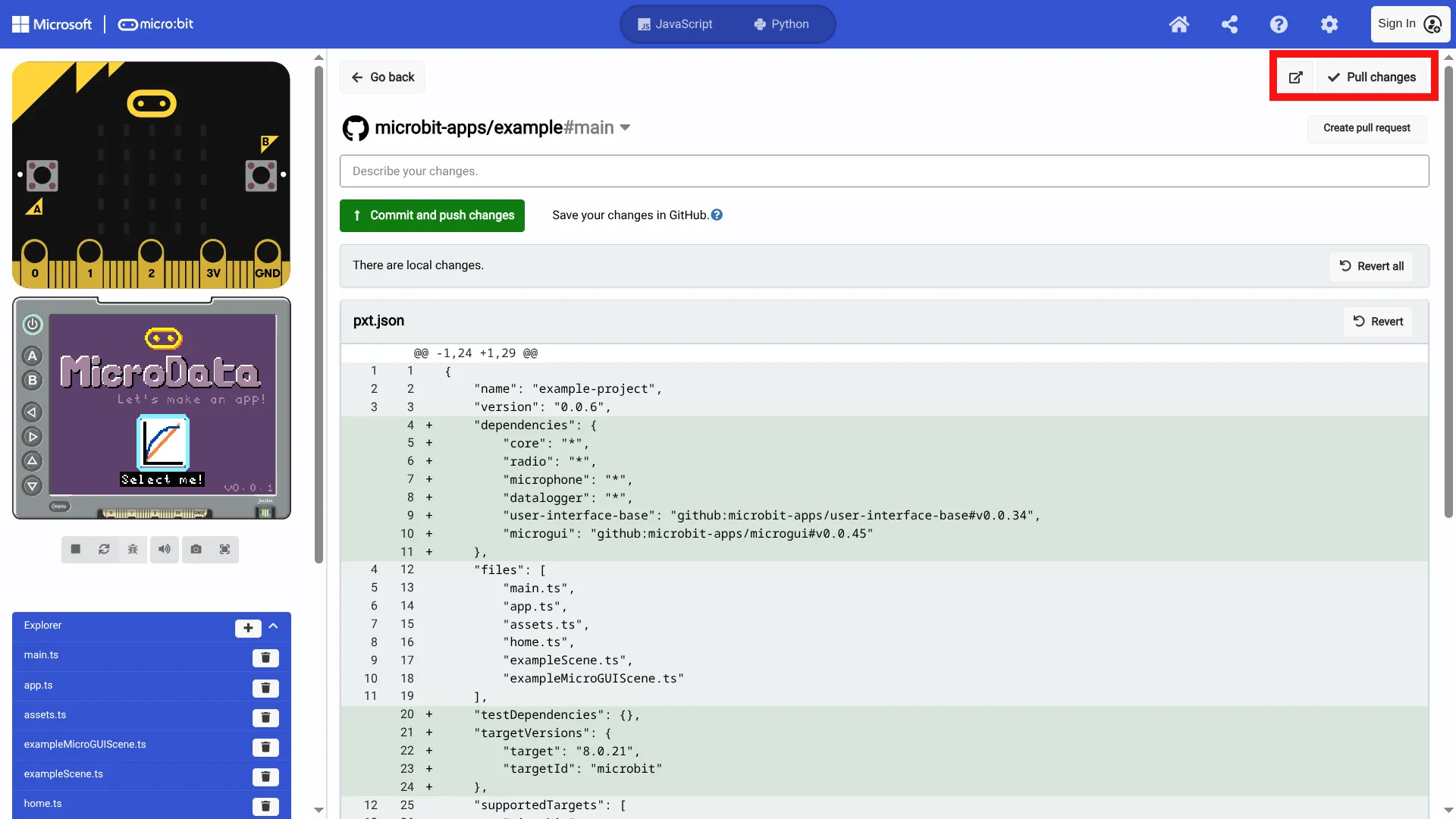
Here you can pull, commit and push changes to your fork
VSCode setup
Development in VSCode is also supported with our simulator. VSCode requires more setup, but is a more feature rich environment.
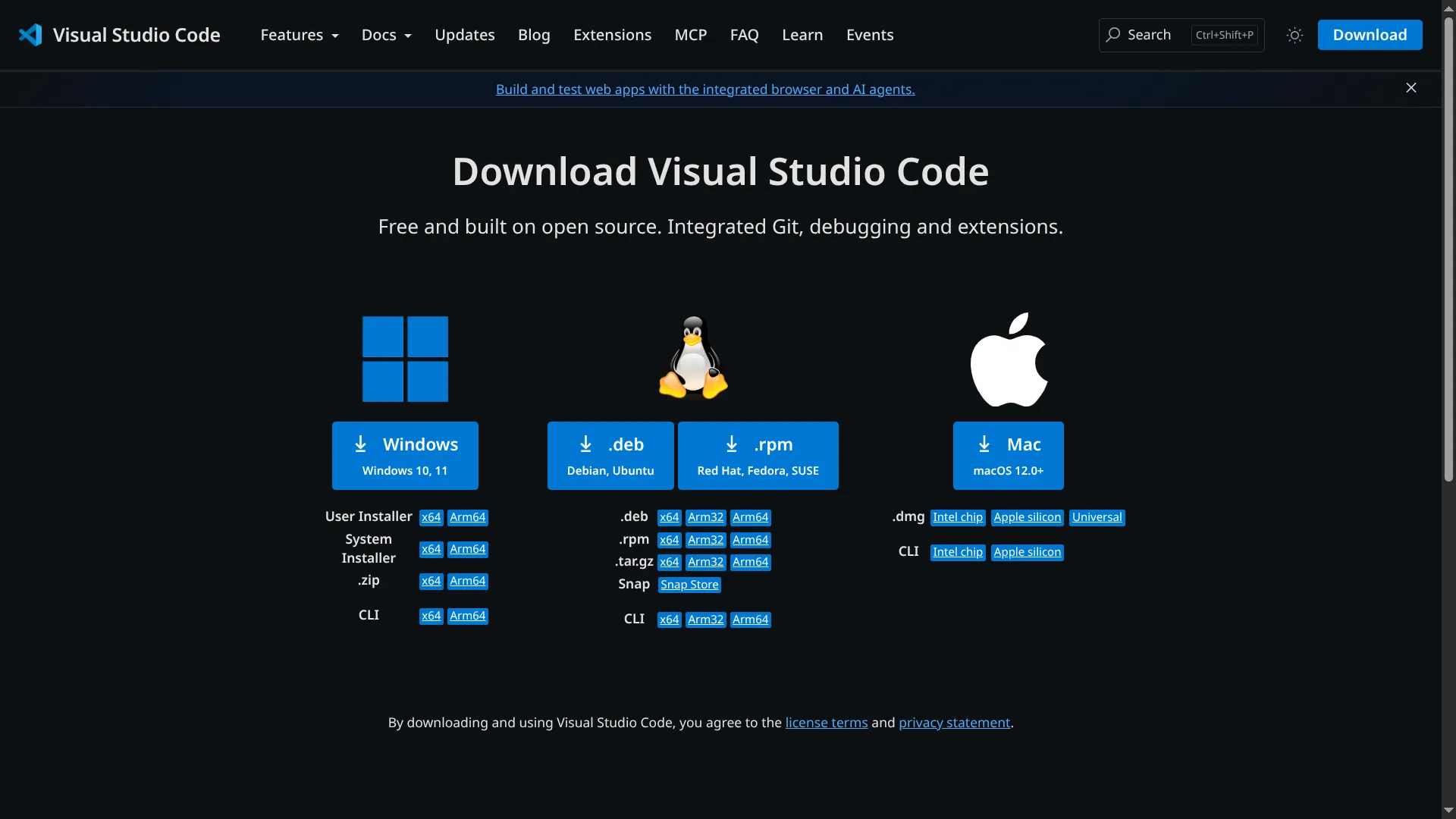
1: Install VSCode
2: Installing Node: NVM
We need Node for the Static TypeScript compiler and package management.
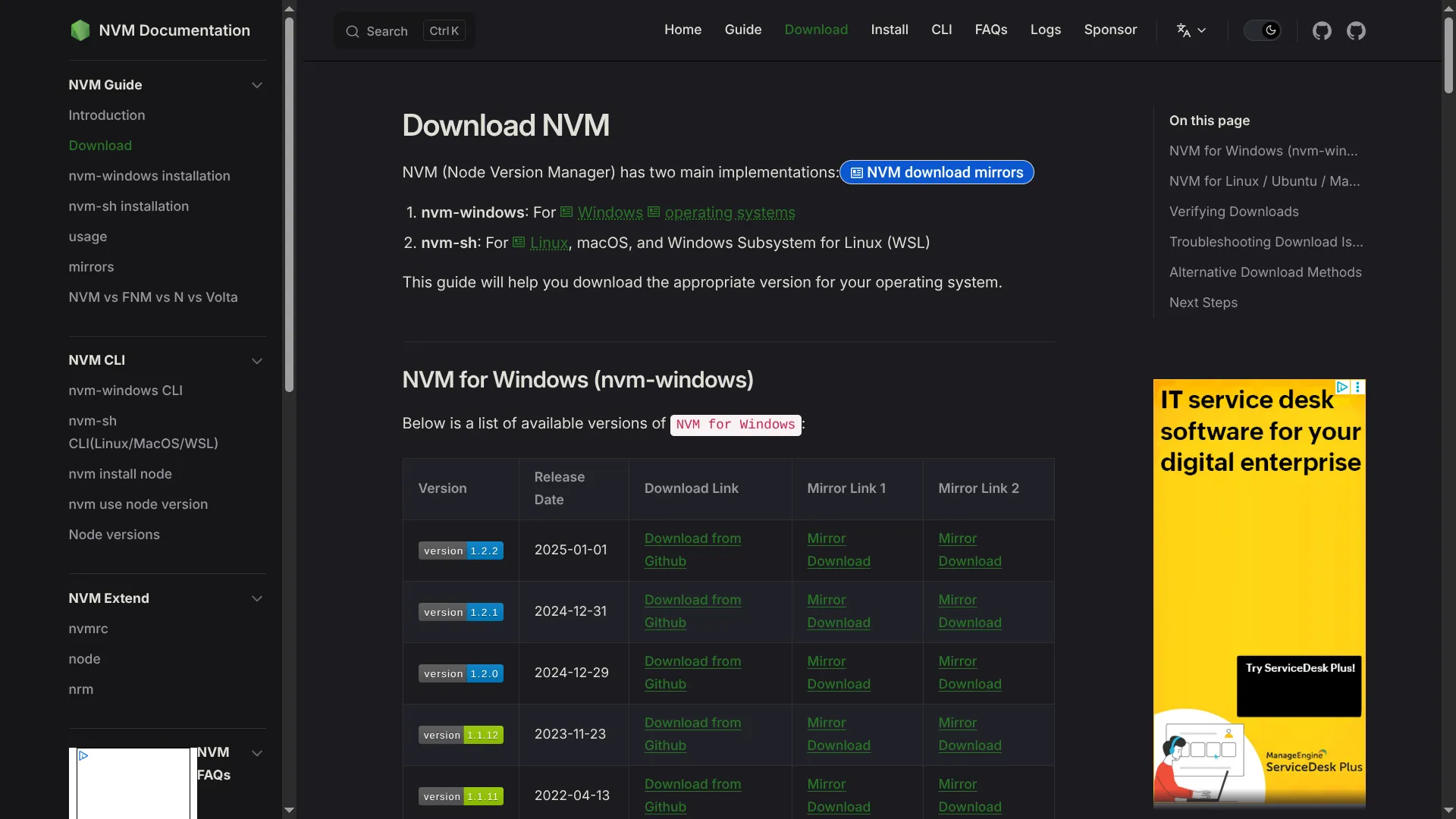
To get node we first need nvm (Node Version Manager), which allows you to easily install and manage multiple versions of node on your machine.
Go to https://www.nvmnode.com/guide/download.html
3: Installing Node: NPM
Now that we have the node version manager, we can install the node package manager (npm). Type the following into your terminal:
nvm install 24
nvm use 24
3: Install the makecode-cli
Now that we have node setup we can get the makecode-cli npm package
Install makecode globally:
npm i -g makecode
Test that it’s available. Note that the package is called makecode, but the command is mkc:
mkc --help
Coming soon: using makecode-cli, using VSCode simulator