

1. Get started with our MakeCode link
This project link starts MakeCode with the display-shield extension already loaded. https://makecode.microbit.org/_U8iPw6AWCbfv
Below are three ways you can program a BBC micro:bit v2 to control a display shield. Starting with the simplest, you can do:
All of the above techniques have MakeCode simulator support, allowing you to test your micro:bit and display-shield code before flashing your code onto the micro:bit.
1. Get started with our MakeCode link
This project link starts MakeCode with the display-shield extension already loaded. https://makecode.microbit.org/_U8iPw6AWCbfv
2. Start editing
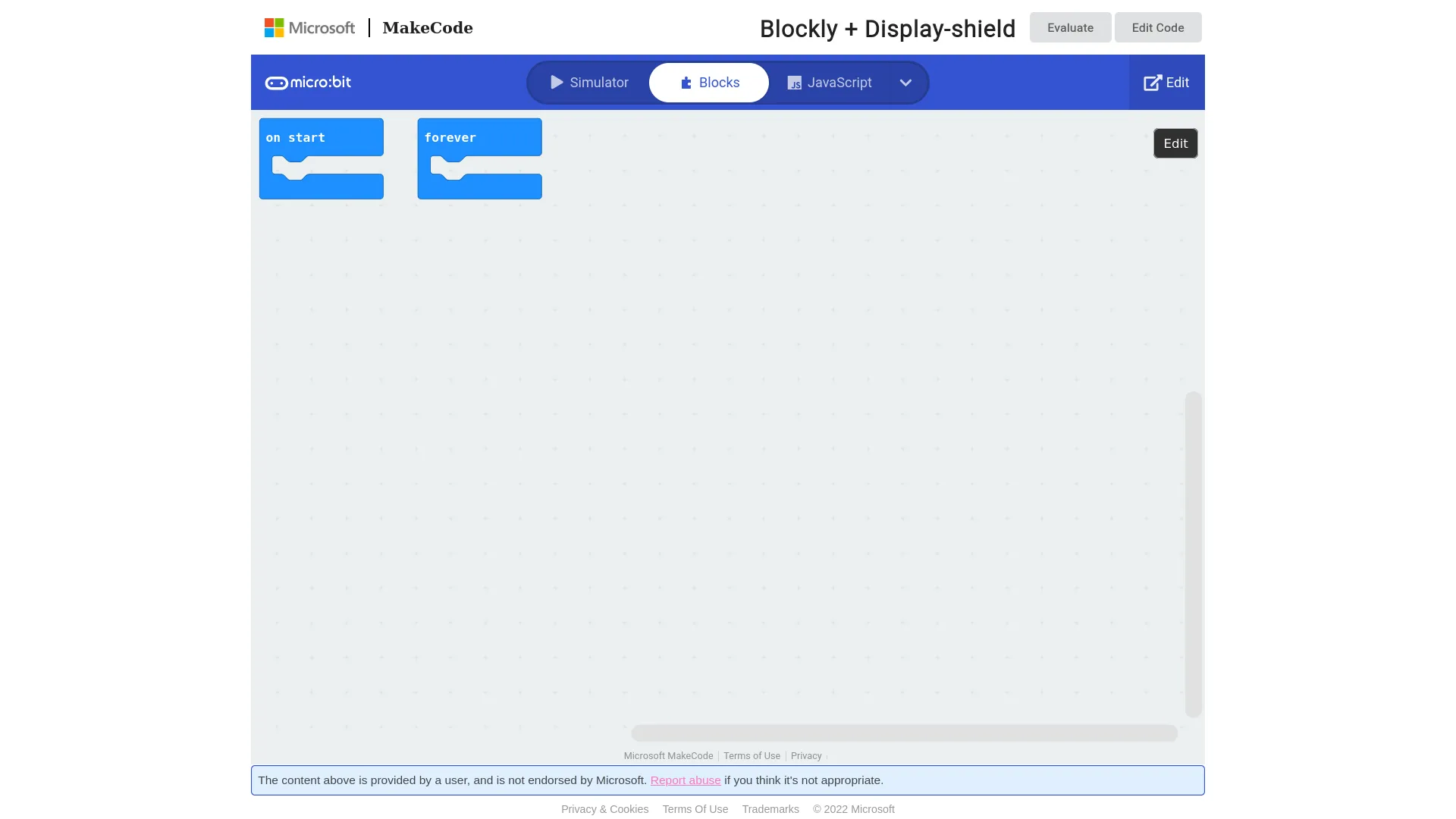
The link above will open a preview, click ‘Edit’ or ‘Edit Code’
3. MakeCode & simulator startup
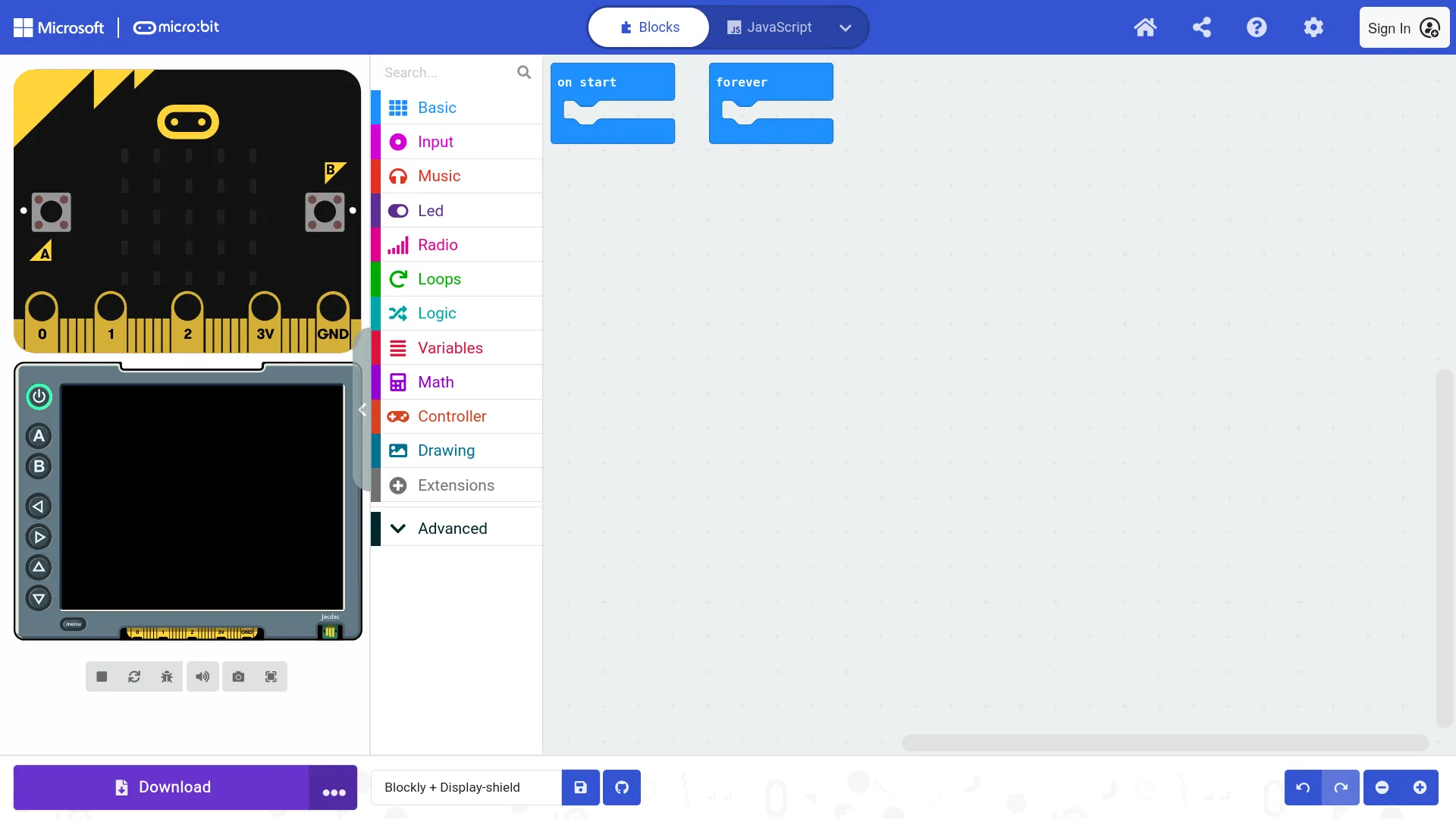
You should now see the MakeCode editor, with a micro:bit and display-shield simulator.
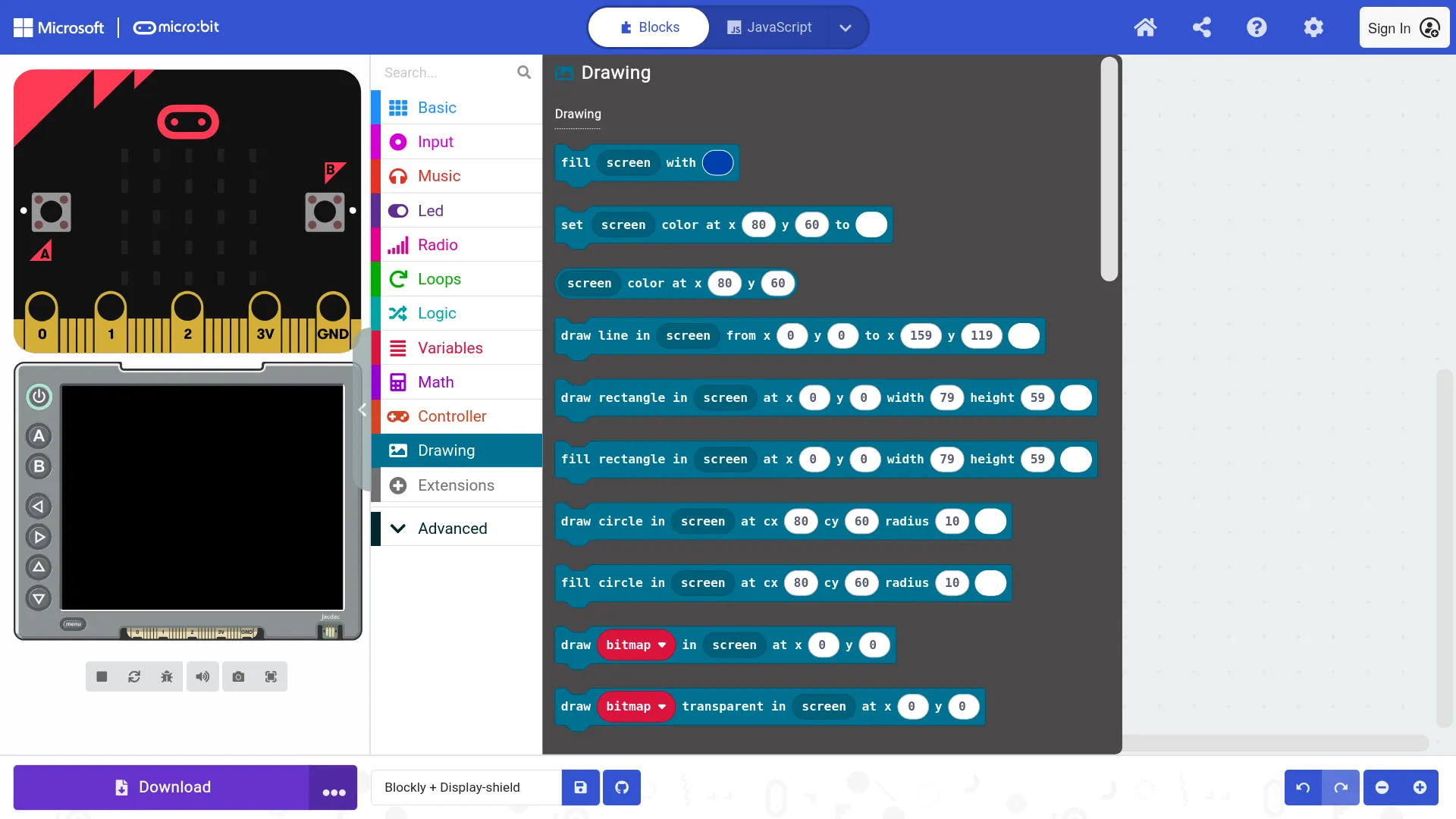
4. Use the Drawing toolbox to write to the display
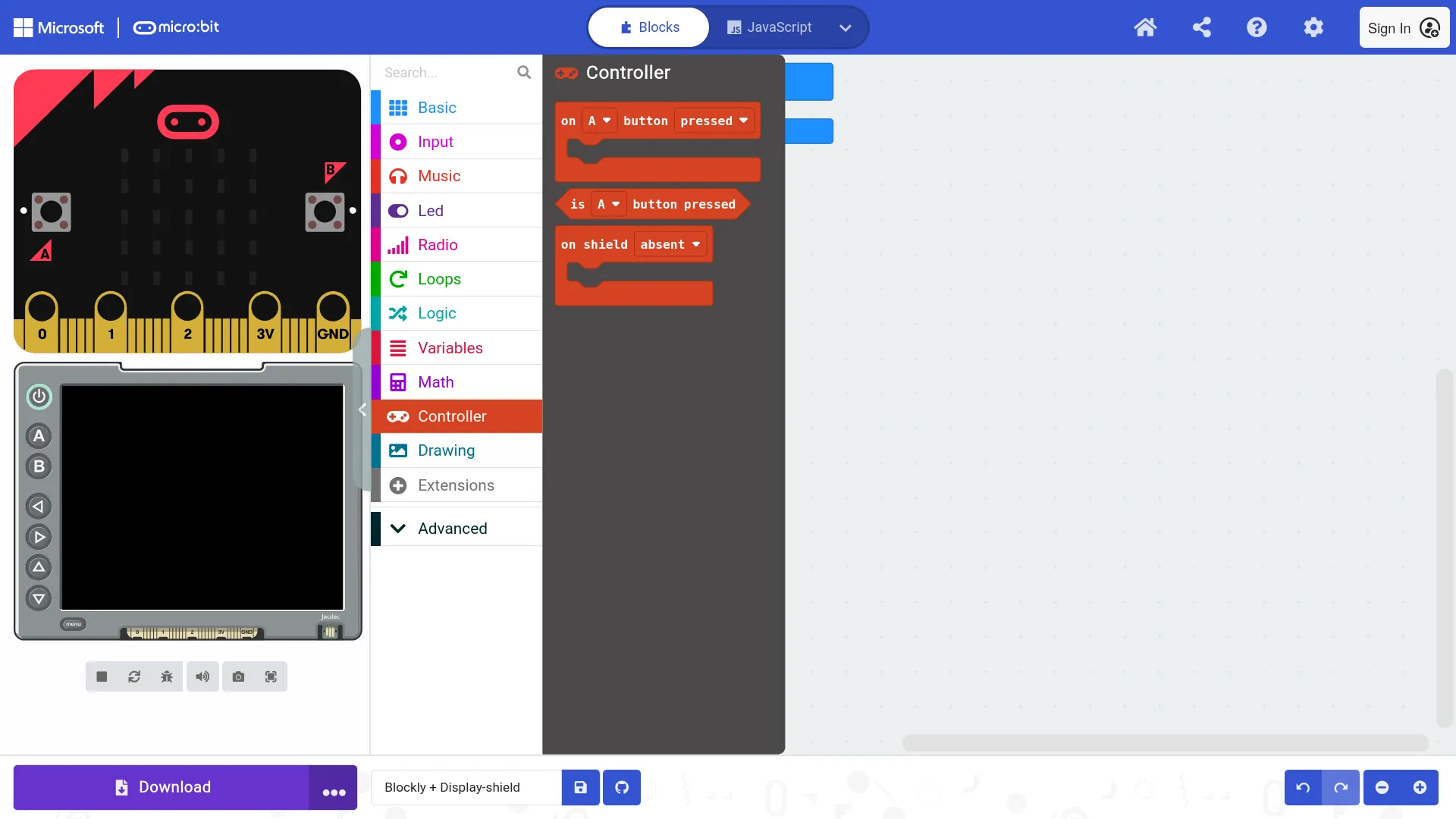
5. Use the Controller toolbox for the display-shield buttons
Get coding with MakeCode!